Block Coding
Imagine it,Drag itCode it.
Block-based coding that turns into professional Arduino and Python, instantly.
- Young Coders
- 10K+
- Schools Onboard
- 500+
- Parent Rating
- 4.9★
- DRAG
- CODE
- DEPLOY
- ARDUINO
- PYTHON
- AI EXTENSIONS
- FACE DETECTION
- VOICE BOTS
/ Fun Activity
Pre Added Projects
Explore ready-made interactive projects designed to spark creativity and hands-on learning. From face detection to QR scanning, each activity helps you experiment with AI and coding in a playful way.

Make It Say Hello
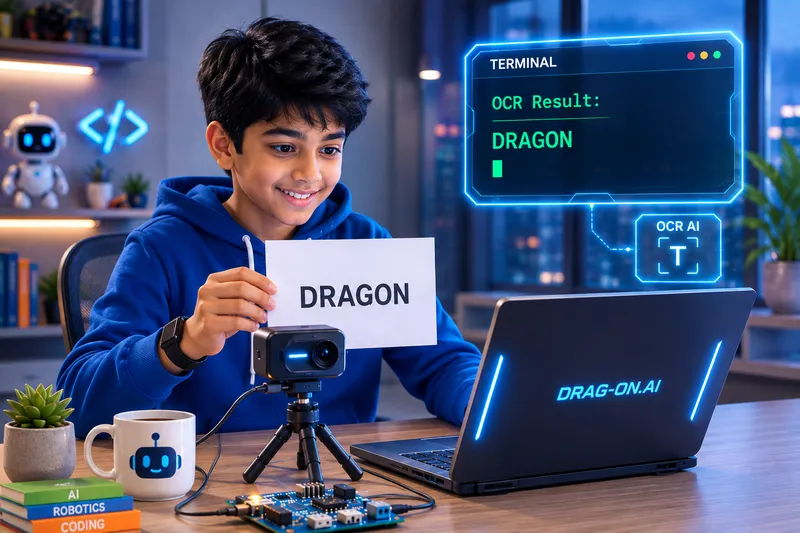
Read One Word
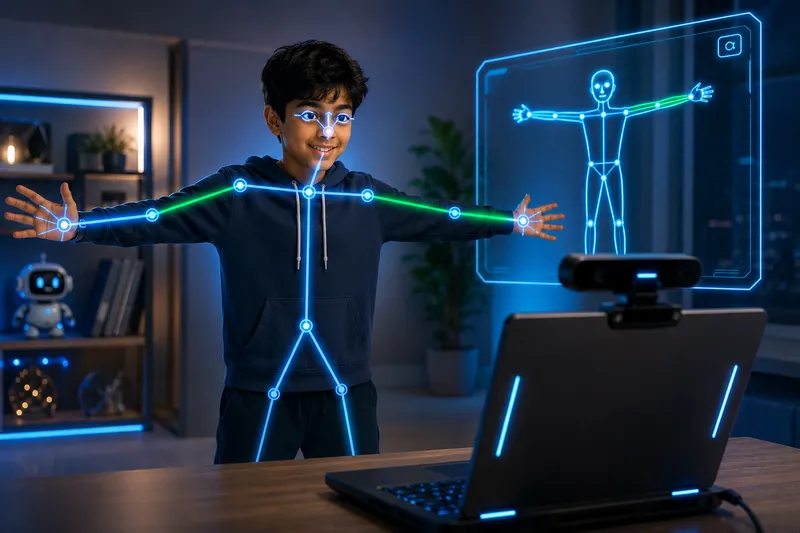
Strike One Pose

Name That Object
Make It Say Hello
Read One Word
Strike One Pose
Name That Object
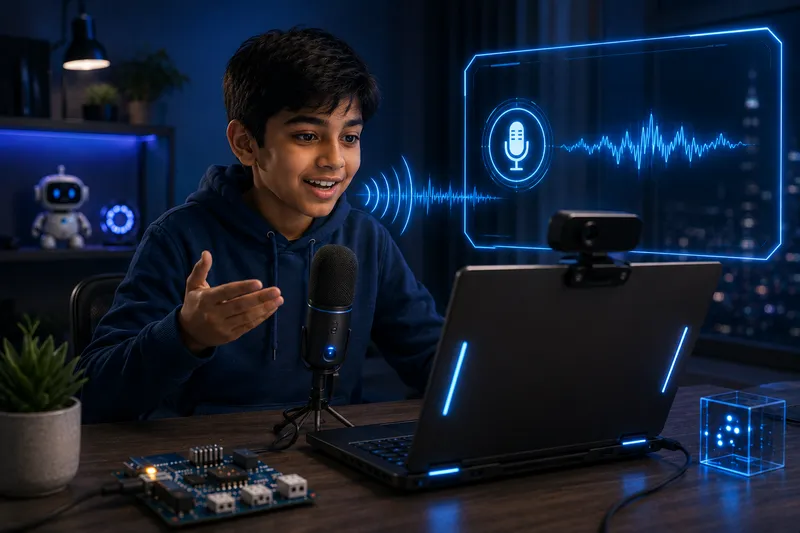
Say a Magic Word
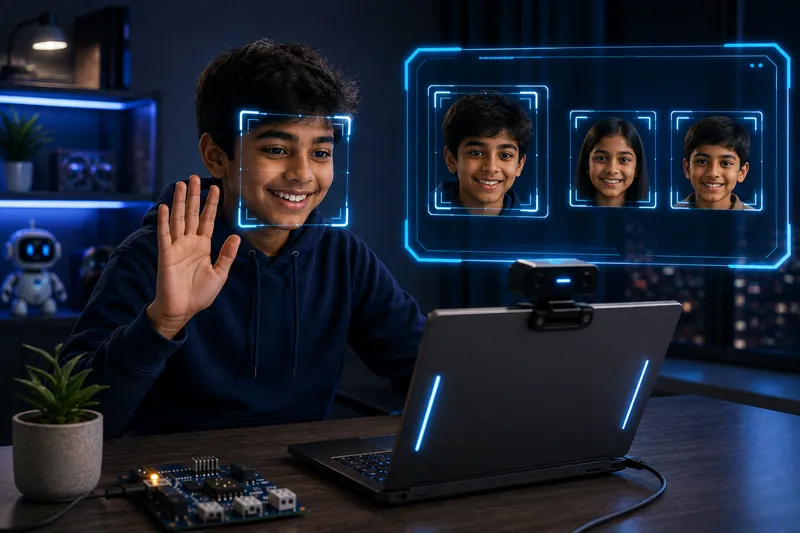
Count One Face
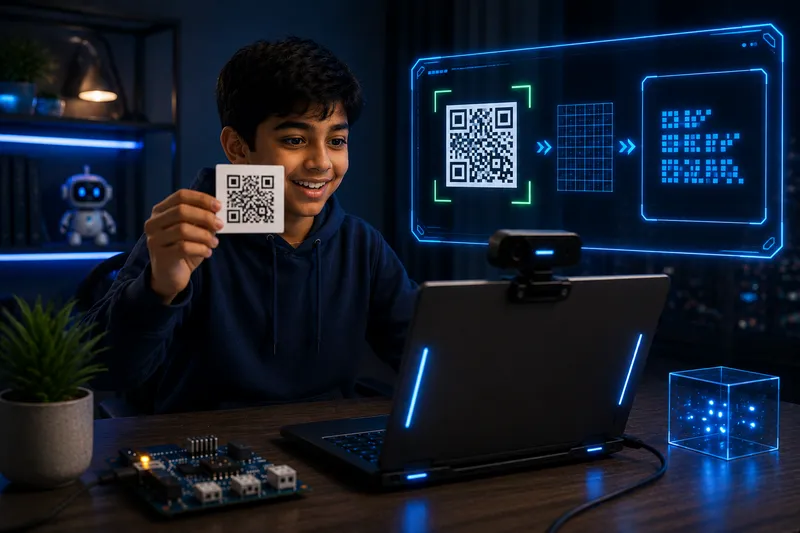
Scan Your First QR Code

Selfie Squad Face Count
/ Drag-on Studio
One studio.Many ways to create.
Pick your tool and start building, Blocks, Python, C / Arduino, circuits and 3D, all under one roof.
LiveBlock Coding
Snap blocks to build Arduino, ESP32 and AI projects.
NewPython
Write real Python with charts, OpenCV, camera and games.
C / Arduino
Write C/C++ sketches and upload them to your board.
Coming Soon
Circuits
Add light and movement to your designs.
Coming Soon
3D Design
Start designing in 3D in minutes.
Coming Soon


/ See the Magic
Drag a block,codegets real
No translation needed. What you build on the left becomes professional code on the right - instantly.
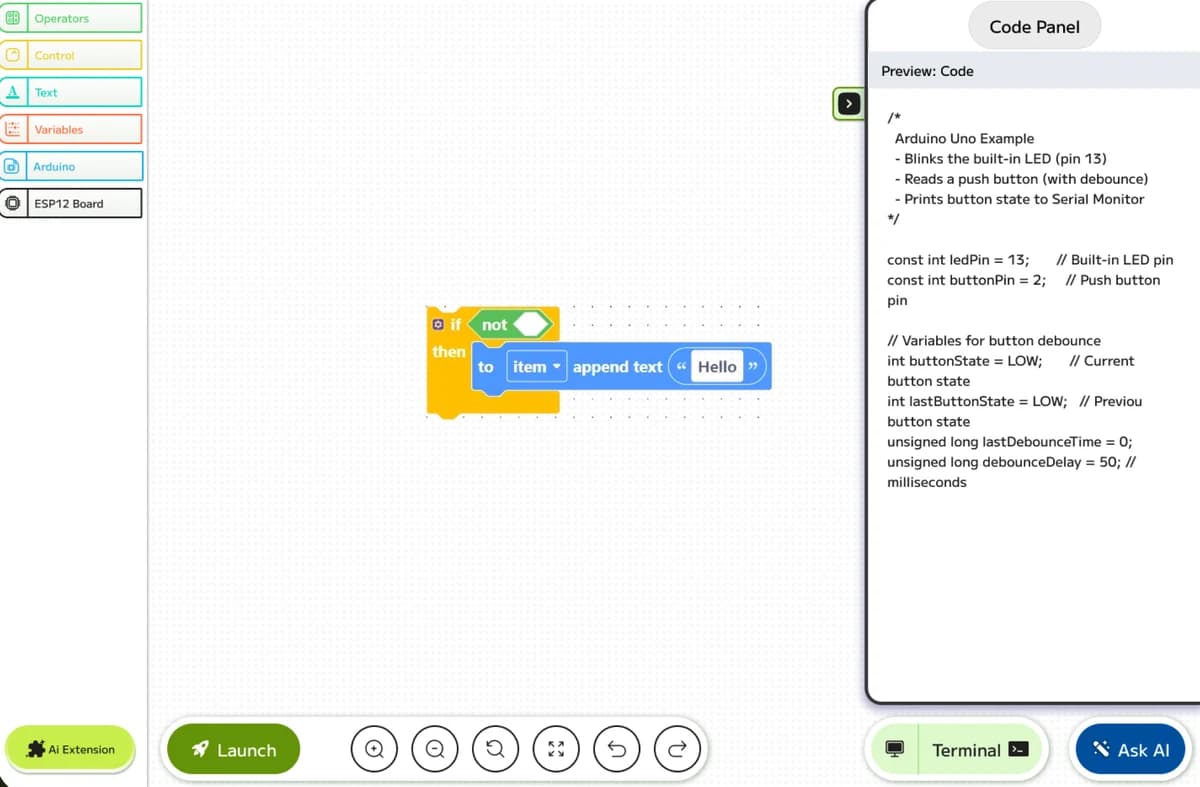
void setup() {
  pinMode(2, OUTPUT);
  digitalWrite(2, HIGH);
}

void loop() {
}/ Core Features
Everything kids need to go from idea to innovation.
Visual Blocks
Operators, Control, Text and Variables. Snap them like LEGO. No typos, no semicolons, no tears.
AI Coding Buddy
Stuck? Ask the AI. It explains blocks, finds bugs and even generates entire projects from a prompt.
Three real languages. Zero translation.
Every block becomes production-grade code you can read, learn from and edit. The perfect bridge from blocks to text-based programming.
- Arduino C++
- Python 3
Plug & Play Hardware
Arduino, ESP32, micro:bit, Raspberry Pi Pico. Connect, hit Launch, watch it light up.

/ AI Assistant · Pro
Meet your coding companion.
Drag-on ai's built-in AI doesn't just answer questions - it actively helps your kid become a better builder. From explaining tricky blocks to building entire projects from a single idea.

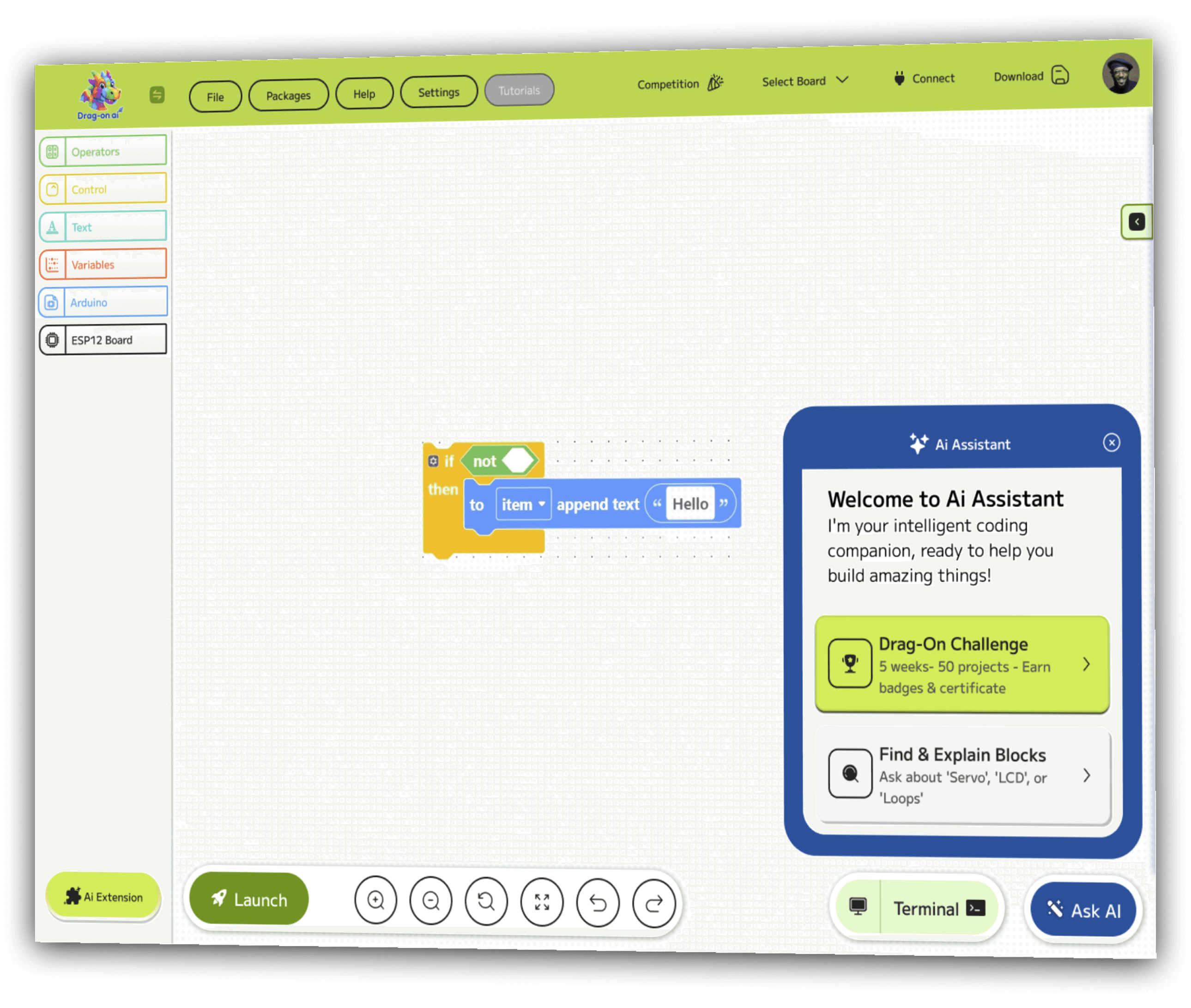
Welcome to Ai Assistant
I'm your intelligent coding companion, ready to help you build amazing things!
- Drag-On Challenge5 weeks, 50 projects - earn badges & certificate
- Find & Explain BlocksAsk about 'Servo', 'LCD', or 'Loops'
/ AI Extensions
Plug inSuperpowers.
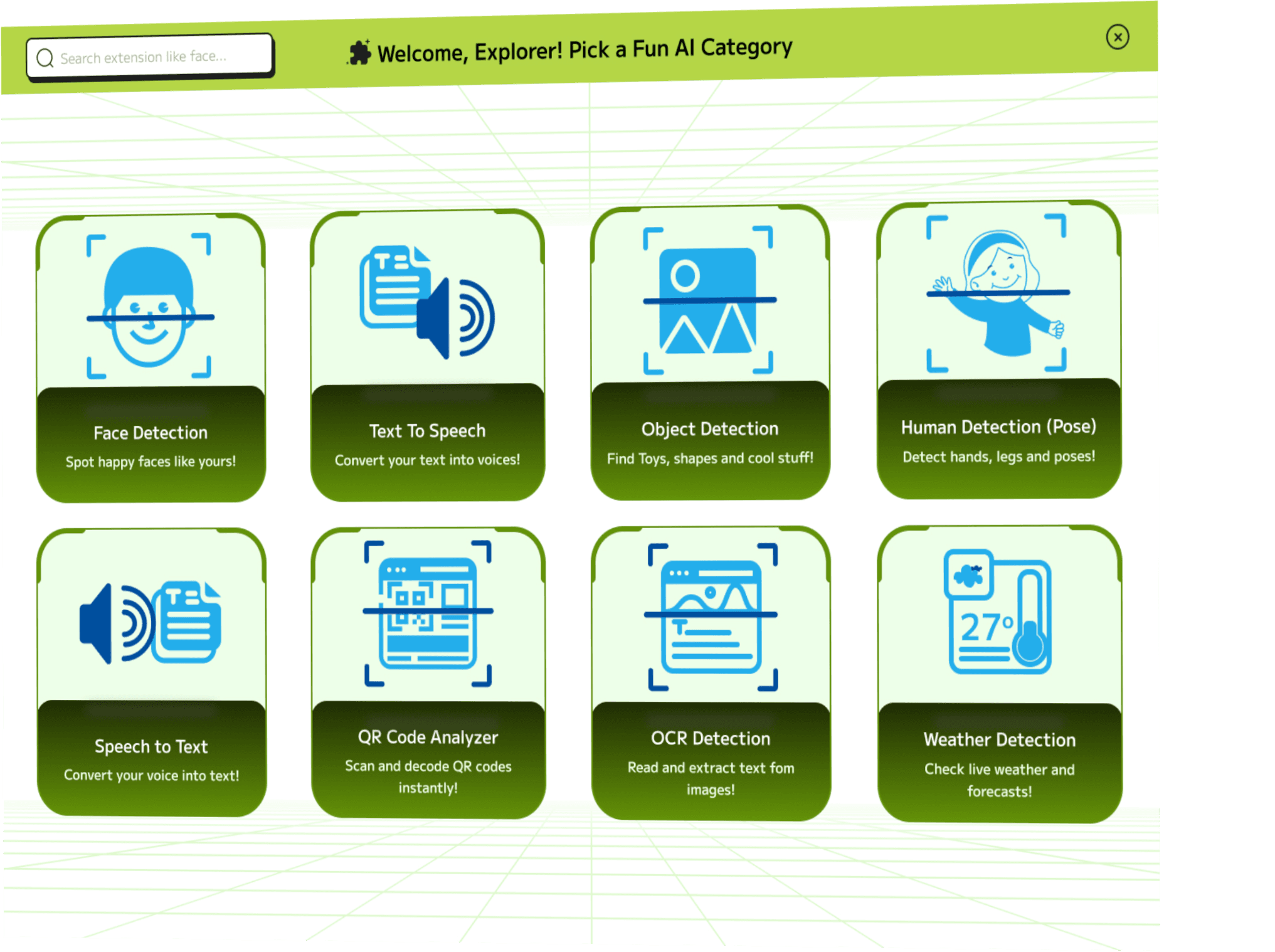
Eight AI extensions built right in. Build a camera that recognizes faces, a translator that reads QR codes or a weather bot that talks back.
Face Detection
Spot happy faces like yours!
Text To Speech
Convert your text into voices!
Object Detection
Find Toys, shapes and cool stuff!
Human Detection (Pose)
Detect hands, legs and poses!
Speech to Text
Convert your voice into text!
QR Code Analyzer
Scan and decode QR codes instantly!
OCR Detection
Read and extract text from images!
Weather Detection
Check live weather and forecasts!
/ What Kids Build
From "what if?" to"look what I made!"
Real projects, built by real kids using Drag-on ai. Start with a template or invent something new.
/ How it Works
Three steps. One drag-on.
Infinite projects.
Drag Your Logic
Pick blocks from Operators, Control, Text or Variables. Snap them together like LEGO bricks.
- DRAG
- SNAP
- REPEAT
Watch The Magic
See your blocks become real Arduino, C++ code in real time - right next to you.
- C++
- PYTHON
Launch & Deploy
Connect your board (Arduino, ESP32, micro:bit), hit Launch and watch your project come alive.
- CONNECT
- FLASH
- CREATE
- Young Builders
- 10,000+
- Schools Onboard
- 500+
- Projects Shipped
- 50,000+
- Parents Love It
- 98%
/ What they're saying
Loved bykids, parents and teachers.
/ Supported Hardware
Unlock Innovation With Boards
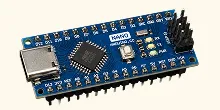
Arduino Boards Nano New Bootloader
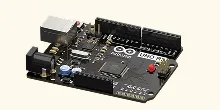
Arduino Boards Uno
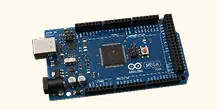
Arduino Boards Mega
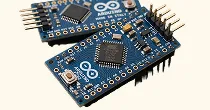
Arduino Boards Mini
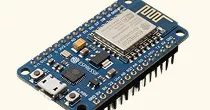
ESP12 Board
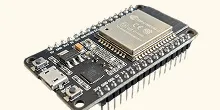
ESP32 Board
/ Questions, answered
Frequently asked,honestly answered.
What age is Drag-on ai for?
Is it really free?
Do we need to buy hardware?
Is my kid's data safe?
Where are my projects saved?
What makes drag-on.ai unique?
/ Why Drag-on ai
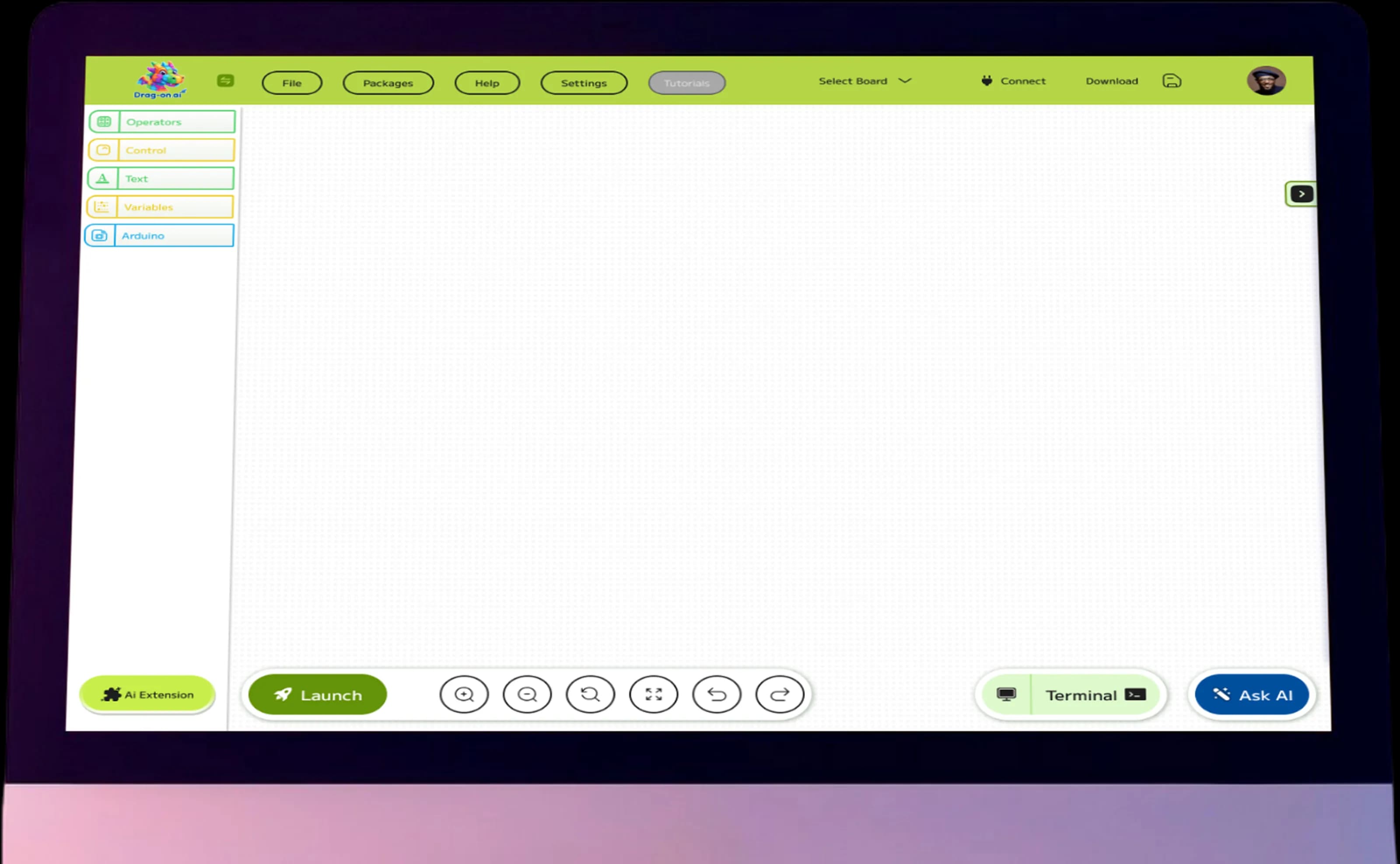
Code HardwareWithout Code.
Traditional coding scares beginners. Drag-on ai meets kids where they are - visual, playful and rewarding from day one.
/ Built for Everyone
Whether you're 8 or 80, there's a drag-on for you.

For Students
Skip the boring stuff. Build robots, games and AI projects from day one - and impress your teacher.
- Free to use forever
- 200+ starter projects
- Built-in AI tutor

For Teachers
Classroom-ready curriculum, progress tracking and projects that actually engage Gen-Z attention spans.
- Lesson plans included
- Group/class management

For Parents
Real STEAM skills, not screen junk. Watch your child build things they're proud of - safely, offline-friendly, ad-free.
- Zero ads, kid-safe
- Works on any laptop
- No subscription traps

Ready todrag your first block?
Start building in your browser in under 30 seconds.
Connect with Us↳ runs in browser